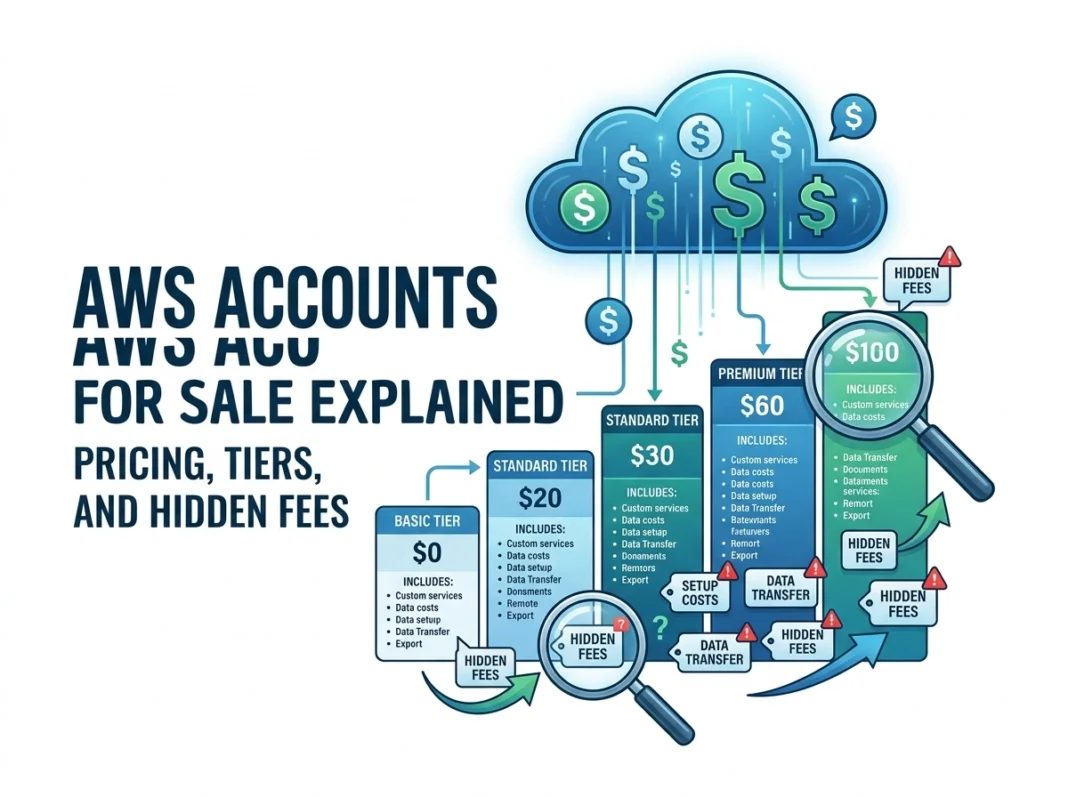
Amazon Web Services powers a huge slice of the modern internet. From small startups to global giants, organizations rely on AWS for storage, computing, databases, and much more. With this demand, a curious market has popped up: AWS accounts for sale. You might have seen offers promising ready-made accounts with credits, verified billing, or premium access already set up.
But what does buying an AWS account really mean? How does pricing work, and what fees often slip under the radar? This guide breaks it all down so you can make smart, informed decisions and avoid expensive surprises.
What Does “AWS Accounts for Sale” Actually Mean?
When people talk about AWS accounts for sale, they usually mean one of a few things:
- Pre-configured accounts that come with verified payment methods and identity checks already completed.
- Accounts loaded with promotional credits, sometimes advertised as “free” computing power.
- Aged accounts that have a history, which some buyers believe offers better standing with AWS.
These accounts are marketed as shortcuts. The pitch is simple: skip the setup, get instant access, and start building right away. While that sounds appealing, the reality is more complicated, and we’ll cover the risks later. First, let’s look at how AWS pricing and account tiers genuinely work, so you understand what you’re really paying for.
Understanding AWS Account Types and Tiers
AWS doesn’t sell “tiers” in the traditional sense, like a subscription plan. Instead, it offers different pricing models you can mix and match. Knowing these helps you spot whether a “for sale” account offers real value or just hype.
1. AWS Free Tier
The Free Tier is Amazon’s on-ramp for new users. Anyone can sign up and access it directly, at no cost. It includes three categories:
- Always free: Services that stay free up to a monthly limit, such as certain Lambda requests and DynamoDB storage.
- 12-month free: Popular services like EC2 and S3 are free up to set limits for your first year.
- Trials: Short-term free access to specific products.
Here’s the key point: the Free Tier is available to everyone who signs up. You don’t need to buy it. Be cautious of sellers charging money for “free” access.
2. Pay-As-You-Go
This is the default AWS model. You pay only for what you use, with no upfront commitment. Costs depend on:
- The services you run
- How long you run them
- The region you operate in
- The volume of data you move
Pay-as-you-go is flexible and great for unpredictable workloads. It’s also the easiest way to rack up unexpected charges if you don’t monitor usage closely.
3. Reserved Instances and Savings Plans
If you know you’ll need steady computing power, you can commit to a one- or three-year term in exchange for big discounts, sometimes up to 70% compared to on-demand rates.
- Reserved Instances: Reserve specific resources for a set period.
- Savings Plans: Commit to a consistent amount of spending per hour for flexible discounts.
These work best for businesses with predictable, ongoing needs.
4. Enterprise Agreements
Large organizations often negotiate custom contracts with AWS. These can include volume discounts, dedicated support, and tailored billing. Enterprise deals are handled directly with Amazon, not through third-party sellers.
AWS Pricing Structures Explained
AWS pricing can feel like a maze because each service has its own model. Here are the most common structures you’ll encounter:
- Per-hour or per-second billing: Common for compute services like EC2.
- Per-gigabyte storage: Used by S3 and other storage products.
- Per-request pricing: Applies to services like Lambda and API Gateway.
- Tiered pricing: Costs drop as your usage climbs into higher volume brackets.
To estimate your bill, AWS offers a free Pricing Calculator. Using it before you commit is one of the smartest moves you can make.
The Hidden Fees Nobody Talks About
This is where many users get caught off guard. The headline price for a service is rarely the whole story. Watch out for these often-overlooked charges.
Data Transfer Costs
Moving data into AWS is usually free. Moving it out is where costs add up. This is called egress fees. If your application serves large files, streams video, or syncs across regions, data transfer can become one of your biggest expenses.
Support Plans
Basic support is free, but it’s limited. If you want faster response times or technical guidance, you’ll need a paid plan:
- Developer: Starts low, suited for testing and early development.
- Business: Priced as a percentage of your monthly spend, with a minimum charge.
- Enterprise: Premium support with a dedicated account manager and the highest minimum fee.
These plans can quietly inflate your bill, especially the percentage-based ones.
Idle and Unused Resources
AWS charges for what you provision, not just what you actively use. Common culprits include:
- Stopped EC2 instances that still hold attached storage
- Unused Elastic IP addresses
- Old snapshots and backups
- Load balancers running with no traffic
Forgetting to shut down test resources is one of the most common ways teams waste money.
Cross-Region and Cross-Zone Traffic
Sending data between regions or availability zones often carries a fee. Architectures that span multiple locations can trigger charges you didn’t plan for.
Premium Service Features
Some services have add-ons that cost extra, such as provisioned IOPS for databases or enhanced monitoring. Always read the fine print on each feature.
Risks of Buying Pre-Made AWS Accounts
Now for the part that matters most if you’re tempted by a “for sale” listing. Purchasing accounts from third parties carries serious risks.
It May Violate AWS Terms of Service
AWS account ownership is tied to identity and accepted terms. Transferring or selling accounts often breaches those terms. If AWS detects this, your account could be suspended or terminated without warning, taking your data and projects with it.
Security and Trust Concerns
When you buy an account, you have no real control over who else holds the credentials. A previous owner could retain access, view your data, or rack up charges you’d be liable for. You’re trusting a stranger with the keys to your infrastructure.
Hidden or Inherited Liabilities
An “aged” account might carry unpaid balances, policy violations, or flagged activity. You could inherit problems you never created, including a damaged reputation with AWS.
No Genuine Cost Savings
Many sellers promise free credits or special pricing. In reality, AWS credits are tied to specific programs and often can’t be transferred. The “deal” frequently evaporates once you log in.
Fraud and Scams
The marketplace for sold accounts is largely unregulated. Many buyers simply lose their money, receive nothing, or get access that’s revoked days later.
Smart Alternatives to Buying an Account
You almost always get better results, and far less risk, by setting things up the right way:
- Sign up directly with AWS. It’s free to create an account, and you get the genuine Free Tier.
- Apply for AWS credits through official programs like AWS Activate for startups.
- Use the Pricing Calculator to forecast costs before you build.
- Set billing alerts so you’re notified before spending climbs.
- Tag and audit resources regularly to catch idle services.
Conclusion: Build Smart, Not Fast
The idea of buying a ready-made AWS account sounds like a shortcut, but it usually leads to higher risk, lost money, and potential account loss. The genuine path is straightforward and far safer.
Here’s what to remember:
- Create your own account. It’s free and fully under your control.
- Learn the pricing models so you choose the right one for your workload.
- Watch for hidden fees like data transfer, support plans, and idle resources.
- Monitor everything with budgets, alerts, and regular audits.
- Avoid third-party sales. The risks far outweigh any short-term convenience.
AWS rewards careful planning. By understanding how accounts, tiers, and pricing actually work, you’ll keep your costs predictable and your projects secure. Spend a little time learning the system, and you’ll save far more than any “discount” account could ever promise.
Please visit website for more info.