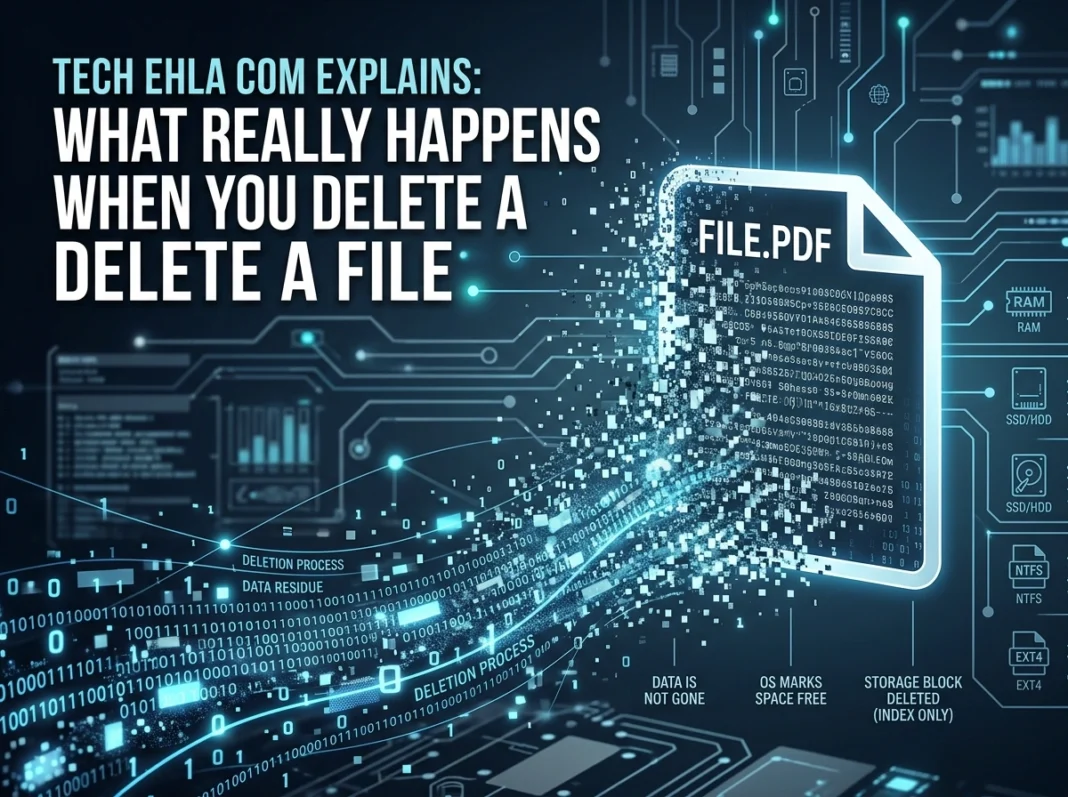
You drag a file to the trash, hear that satisfying little sound, and think it’s gone forever. But here’s the surprising truth: that file probably still exists on your computer. Deleting something on your device rarely means erasing it right away. Understanding what actually happens behind the scenes can protect your privacy, help you recover lost work, and even keep sensitive data out of the wrong hands.
Let’s break down the full journey of a deleted file, from the moment you press “delete” to the point where the data truly disappears.
The Big Misconception About Deleting Files
Most people assume that deleting a file wipes the data clean, like erasing a whiteboard. In reality, your computer takes a much lazier approach. When you delete something, the operating system usually just removes the reference to that file, not the file itself. The actual bits of data stay put until something new overwrites them.
Think of it like removing a book’s title from a library catalog. The book is still sitting on the shelf. The catalog just no longer points to it, so the librarian assumes that shelf space is available for the next arrival.
What the Recycle Bin and Trash Really Do
The first stop for most deleted files is the Recycle Bin (on Windows) or the Trash (on Mac). This is what experts call a soft delete.
When you delete a file the normal way, your system simply moves it to a holding area. The file keeps taking up storage space, and you can restore it with a couple of clicks. This safety net exists because people delete things by mistake all the time.
How It Works on Windows
On Windows, deleted files land in the Recycle Bin. The file stays there until you empty the bin or until it hits the storage limit you set. Even after you empty the Recycle Bin, the data itself often lingers on the drive.
How It Works on Mac
macOS uses the Trash, which behaves almost identically. Files sit there until you choose “Empty Trash.” Newer versions of macOS can even auto-remove items after 30 days if you enable that setting.
How It Works on Linux
Linux desktop environments like GNOME and KDE also use a Trash folder that follows the same idea. But if you use the command line and run something like rm, the file skips the Trash entirely. There’s no undo button in the terminal, which is why Linux power users tread carefully.
Storage Sectors and the File Allocation Table
To really understand deletion, you need a quick look at how storage works under the hood.
Your drive is divided into tiny sections called sectors. Files get spread across these sectors, sometimes in scattered pieces. To keep track of where everything lives, the operating system maintains a kind of index. On older Windows systems this was the File Allocation Table (FAT), and modern systems use structures like NTFS on Windows or APFS on Mac.
This index acts as a map. It tells the computer, “The photo you want starts in sector 4,000 and continues in sector 8,200.” When you permanently delete a file, the system mostly just edits this map. It marks those sectors as “free” and available for reuse.
The data in those sectors? It sits there untouched until new information writes over it. This is exactly why deleted files can often be recovered, and why “deleted” doesn’t always mean “gone.”
Soft Delete vs. Permanent Deletion
Understanding the difference between these two matters more than most people realize.
Soft delete is reversible. The file moves to the Recycle Bin or Trash and can be restored easily. Nothing about the actual data changes.
Permanent deletion happens when you empty the bin, use Shift + Delete on Windows, or run a terminal command. At this point, the system frees up the sectors. Yet even now, the raw data usually remains recoverable until it gets overwritten.
So there’s actually a third, hidden layer: true erasure. This only happens when new data physically replaces the old bits, or when you use special tools designed to scrub the drive.
Can Deleted Files Be Recovered?
Yes, and often more easily than you’d expect. As long as the sectors holding your old data haven’t been overwritten, recovery software can piece the file back together using the leftover data on the drive.
This is great news when you accidentally delete an important document. Tools built for data recovery scan your drive for these “orphaned” chunks and rebuild the file. The sooner you act, the better your odds, because continued computer use may overwrite those sectors.
But this same feature is a privacy risk. If you sell an old laptop or donate a hard drive, someone with the right tools could recover files you thought were long gone. Tech enthusiasts and privacy advocates at tech ehla com frequently stress how important this point is for anyone handling personal or business data.
SSDs Change the Game
Solid-state drives (SSDs) work differently from traditional hard drives. They use a feature called TRIM, which actively clears deleted data blocks to keep performance high. This makes recovery from SSDs much harder and sometimes impossible. It’s a double-edged sword: better for privacy, worse for accidental recovery.
Best Practices for Secure File Deletion
If you want files truly gone, you need to go beyond the trash can. Here are proven methods to keep your data safe.
1. Use File Shredding Software
File shredders overwrite the sectors holding your data, often multiple times with random information. This makes recovery practically impossible. Many tools let you shred individual files or wipe free space to clean out old, lingering data.
2. Encrypt Before You Delete
Encrypting your files or entire drive adds a strong layer of protection. Even if someone recovers the raw data, it’s scrambled and useless without the encryption key. Windows offers BitLocker, and Mac provides FileVault for full-disk encryption.
3. Wipe Entire Drives Before Selling
Before you hand off any device, run a full drive wipe. Windows and Mac both include reset options that overwrite data. For extra security, use dedicated disk-wiping utilities that meet recognized data-sanitization standards.
4. Physically Destroy Old Drives
For extremely sensitive information, nothing beats physical destruction. Shredding, drilling, or degaussing a drive guarantees the data can never be read again. Many businesses use certified destruction services to stay compliant with data protection regulations.
5. Empty Your Recycle Bin Regularly
It sounds basic, but many people forget. Regularly clearing your Recycle Bin or Trash reduces the window in which deleted files sit exposed and recoverable.
Why This Matters for Everyday Users
Data privacy isn’t just a concern for big corporations. With so much of daily life stored digitally, from tax records to family photos, knowing how deletion really works puts you in control. Whether you’re upgrading your phone, recycling a computer, or just cleaning up your desktop, these habits protect your personal information.
Regulations across many states now hold individuals and companies responsible for how they handle sensitive data. Understanding secure deletion isn’t just smart; it can keep you compliant and safe.
Conclusion
Deleting a file is far more complex than clicking a button. Your file travels from the Recycle Bin to freed-up sectors, and it often lingers long after you think it’s gone. That leftover data is a blessing when you need to recover a lost document, but a real threat when privacy is on the line.
The key takeaway is simple: if you want files truly erased, take deliberate steps. Use shredding tools, encrypt your data, wipe drives before selling, and destroy hardware that holds your most sensitive information. A few smart habits go a long way toward keeping your digital life private and secure.
Next time you hit “delete,” you’ll know exactly what’s happening beneath the surface, and how to make sure gone really means gone.